

For Island Patients
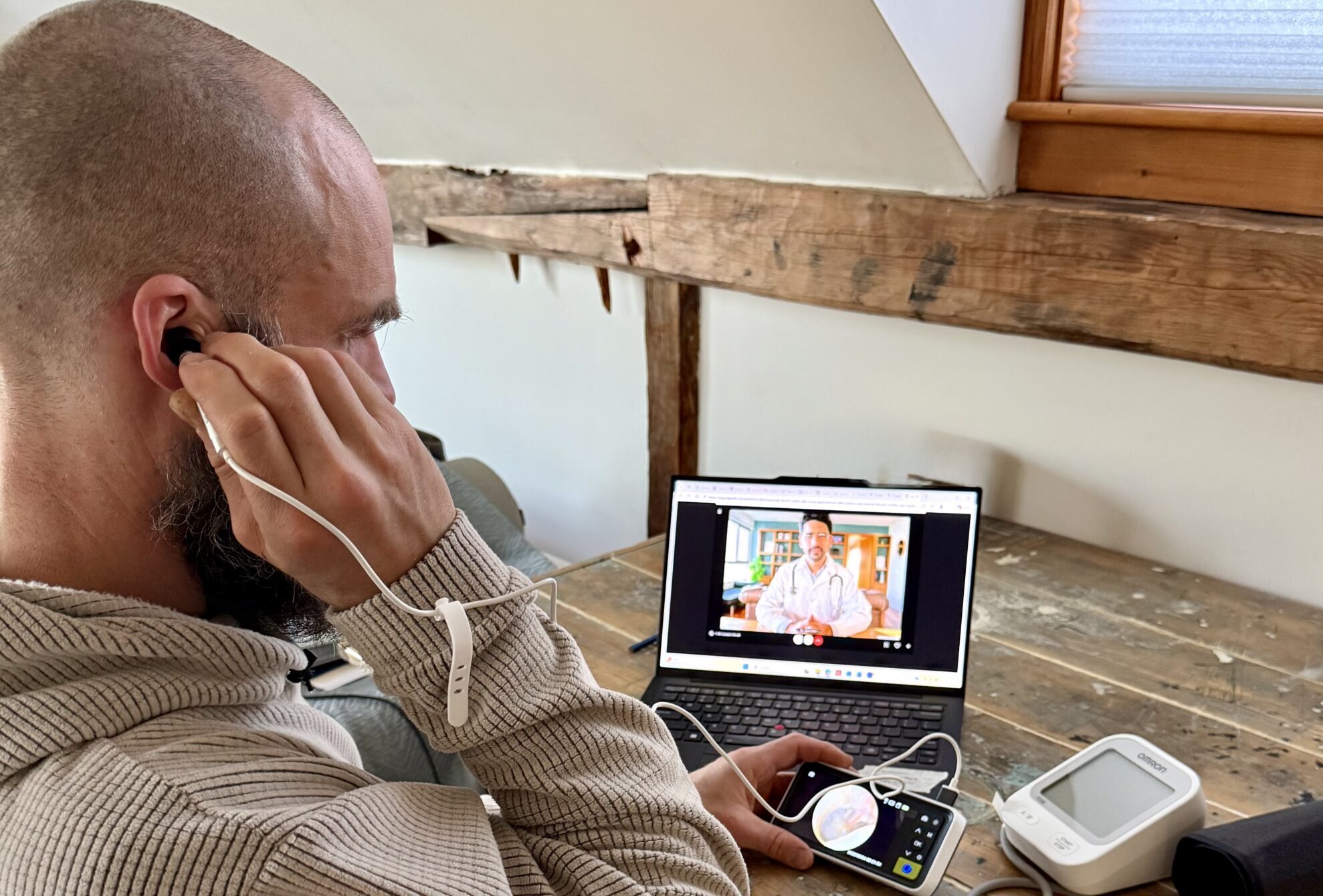
Telehealth is a convenient and widely available way to access healthcare without leaving the island. Many appointments can be done via telehealth, including primary care, some specialist visits, therapy/counseling, and some urgent care. The Mission’s telehealth backpack initiative equips a patient with medical instruments so a provider can conduct an exam virtually.
To attend an upcoming appointment via telehealth, contact your provider and ask if it is an option. They can learn more about the tools available in the telehealth backpack to supplement the visit.
To reserve a backpack, use the booking calendar. When completed, an email confirmation for the reservation will be sent. Backpacks are available on Great Cranberry, Islesford, Isle au Haut, Monhegan, and Swan’s Island.
Use virtual urgent care for minor, non-emergency health needs like colds, rashes, infections, or sprains.
Telehealth backpacks are not intended for emergency purposes. Call 911 for serious injury or chest pain. Call the National Mental Health Lifeline at 988 when in emotional crisis. Contact the National Poison Hotline at (800) 222-1222.
Reserve a Telehealth Backpack
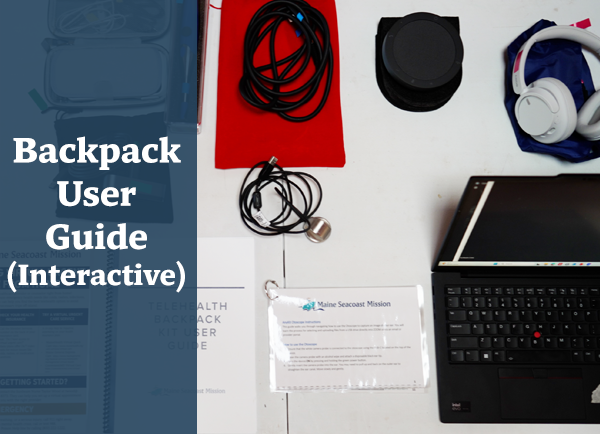
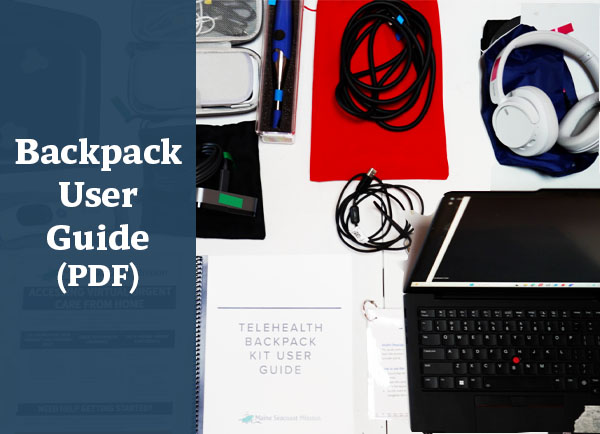
Please reserve your island’s backpack for the day of your virtual health visit. This ensures it will not be in use by anyone else when you need it. Scroll down this page to find instructional materials, including preparing for an appointment and a Backpack User Guide.
How to Access Urgent Care via Telehealth Backpack
Call or Message Your Primary Care Provider (PCP)
- Most PCP offices have after-hours phone lines.
- You can call the office or send a message through your patient portal (like MyChart).
- They may offer a same-day or virtual visit, or help you decide your next step.
Check Your Health Insurance
- Call the Member Services number on the back of your insurance card.
- Ask: “Do I have access to virtual urgent care?”
- Many plans offer 24/7 video visits for minor issues like colds, rashes, or medication questions.
Try a Virtual Urgent Care Service
A co-pay may be required, depending on your health insurance plan.
Preparing for an Appointment
Preparation Tips
Get Ready and Sign-in Early
- Find a quiet, comfortable, private space with adequate lighting for the provider’s visibility.
- Set up equipment early and become familiar with the instructional guide (see right).
- Connect the device to the internet.
- Have a list of your prescription medications and any recent blood pressure readings and/or blood glucose levels (if applicable) available.
- Before the visit starts, make a list of questions and topics you want to cover.
- Log into your account early to locate the meeting link and complete consent forms.
- If the appointment is hosted through a provider’s patient portal, know how to login.
- For an appointment through one of these three hospitals, follow the link to use a portal:
Telehealth Backpack Guides
More Information
How-to Videos